
Secure document scanning: keeping sensitive information safe in a digital world
How can businesses protect confidential data while converting paper into secure, usable digital assets?
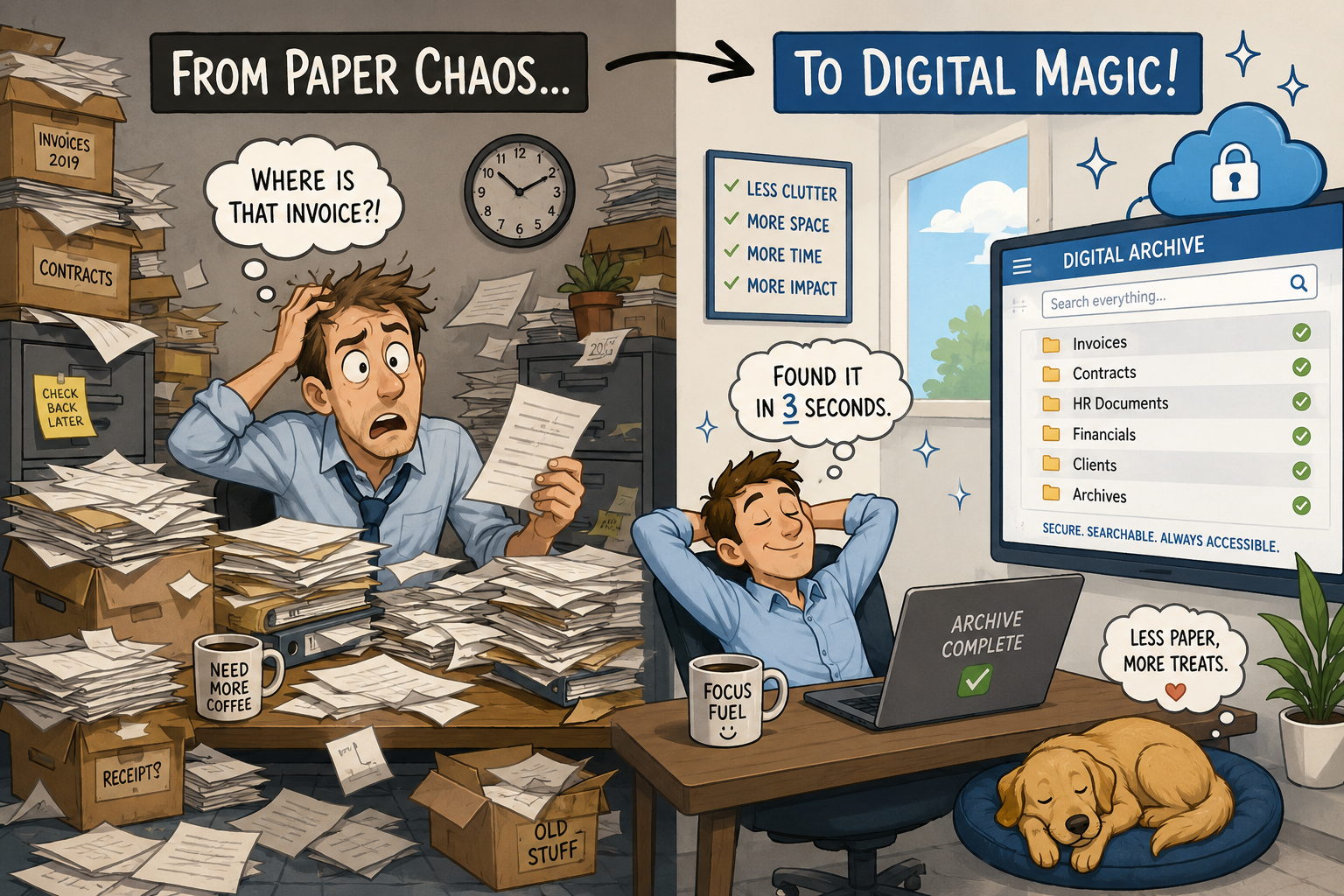
As businesses move from paper to digital workflows, document scanning is a key component of such a transition. Document scanning allows organizations to reduce physical storage, improve accessibility, and streamline operations. However, as convenient (and, some might say, necessary) as digital documents are, it is important to know how secure your scanning process is.
Secure document scanning is a “must” for companies which handle sensitive information, such as financial records, employee data, legal files and customer details.
There are hidden risks in everyday scanning
Scanning a document, at first glance, may seem like a simple, low-risk activity. Place a paper in the feeder, press a button, and send it to email or a network folder. But within that seemingly simple activity there are multiple potential vulnerabilities.
Unsecured multifunction printers (MFPs) and scanners can become entry points for data breaches if not properly configured. Documents may be temporarily stored on internal hard drives, for example. Files sent via email could be intercepted if not encrypted. Shared network folders may lack proper access controls. Even something as basic as a document left sitting in an output tray can create exposure.
As cyber threats grow ever more sophisticated and at the same time regulatory requirements become more stringent, it is critical for businesses to treat document scanning with the same level of security as any other IT process.
What makes document scanning secure?
Secure document scanning includes a combination of device-level protections, network safeguards, and user controls. Modern office technology offers many of these as built-in features that help protect data at every stage of the scanning process.
Here are some of the key components:
- User authentication and access control
- Encryption in transit and at rest
- Secure scan destinations
- Hard drive security and data overwrite
- Audit trails and activity monitoring
- HIPAA for healthcare organizations
- GDPR for businesses handling EU citizen data
- GLBA for financial institutions
Not everyone in an organization should have the same level of access to scanning functions or destinations. Secure devices require users to authenticate themselves, via PIN codes, ID badges, or network login credentials before scanning. This ensures accountability and prevents unauthorized use.
Sensitive documents should be encrypted both while being transmitted (for example, when emailed or uploaded to the cloud) and while stored on the device or server. Encryption ensures that even if data is intercepted, it cannot be easily read or misused.
Modern systems allow businesses to tightly control where scanned documents can be sent. Instead of free-form email entry, users select from predefined, approved destinations—such as specific folders, document management systems, or secure cloud platforms.
Many multifunction devices include internal storage. Without proper safeguards, residual data can remain on these drives. Secure devices include features like automatic data overwrite and encryption of stored data to eliminate this risk.
Visibility is a key element of security. Audit logs track who scanned what, when, and where it was sent. Having this information is especially important for compliance in industries like healthcare, legal, and finance, where documentation of data handling is required.
Compliance considerations
Secure scanning is not just about avoiding breaches; it is also about meeting regulatory requirements. Depending on your industry, you may need to comply with standards such as:
These frameworks require organizations to safeguard personal and sensitive information, including how documents are captured, transmitted, and stored. A secure scanning environment helps demonstrate compliance and reduces a company’s potential legal risk.
The role of cloud and document management systems
Scanning is a key part of a document’s life cycle. But it is not the only part. Where those files go next is just as important.
Many businesses are integrating scanners with cloud platforms and document management systems to improve accessibility and security. These systems provide:
- Role-based access control (only authorized users can view or edit documents)
- Version tracking and audit histories
- Automated retention and deletion policies
- Secure remote access for hybrid work environments
When paired with secure scanning hardware, these platforms create a seamless, protected flow of information from paper to digital.
Common mistakes to avoid
Even with advanced technology, security gaps often come down to a company’s process, lack of it. Some of the most common mistakes include:
- Using default device settings without enabling security features
- Allowing unrestricted scan-to-email or scan-to-folder options
- Failing to update firmware on multifunction devices
- Overlooking employee training on proper document handling
- Neglecting to secure or wipe devices at end of life
Addressing these issues does not require a complete overhaul. What it does require, though, is a more intentional approach to how scanning fits into your overall IT strategy.
What to look for when evaluating scanning equipment
If your business is considering new copiers, printers, or scanners, security should be part of the evaluation process, not an afterthought.
Look for devices that offer:
- Built-in user authentication (badge, PIN, or directory integration)
- End-to-end encryption capabilities
- Secure boot and firmware protection
- Automatic data overwrite features
- Integration with your existing IT infrastructure and cloud platforms
- Ongoing security updates from the manufacturer
It is worth asking whether your vendor provides support for configuring and maintaining these features. The most advanced security tools are only effective if they are properly implemented.
Turning security into a business advantage
Secure document scanning is often viewed as a technical necessity—but it can also be a competitive advantage. Clients and partners are increasingly concerned about how their data is handled. Demonstrating strong data protection practices builds trust and credibility.
Internally, secure scanning reduces risk while enabling faster, more efficient workflows. Employees spend less time managing paper and more time working with information that is organized, searchable, and protected.
Final thoughts
As businesses continue their shift toward digital operations, document scanning remains a critical bridge between paper and electronic workflows. But with that convenience comes responsibility.
By investing in secure scanning technology and best practices, organizations can protect sensitive information, meet compliance requirements, and create a more efficient, future-ready workplace.
If your current scanning environment has not been evaluated recently, now is the time. The right approach does not just safeguard your documents—it strengthens your entire business. With seven decades of industry experience, we’re the go to people for “all things technology.” If you have concerns and want to be sure that your network is protected or would like to have an overall assessment of your network infrastructure, let’s have a conversation. Please give us a call at 888-357-4277 or visit https://pulsetechnology.com. We are here to help.